n8nflow.net logo

Write HTTP query string on image

by Jan Oberhauser•Updated: Last update a year ago•Source: n8n.io
Loading workflow viewer...

Getting Started

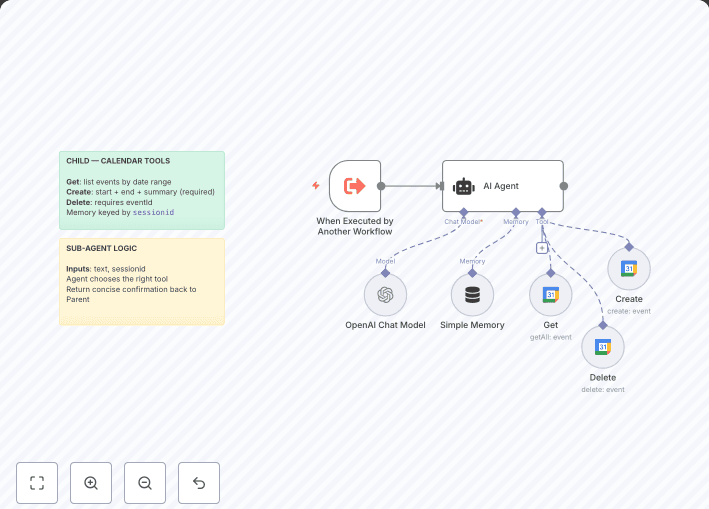
  1. Receives data from an incoming HTTP Request
  2. Reads file from internet
  3. Writes data on image
  4. Returns the data

The URL to call will look like this:
http://localhost:5678/webhook-test/webhook/test?name=Jim

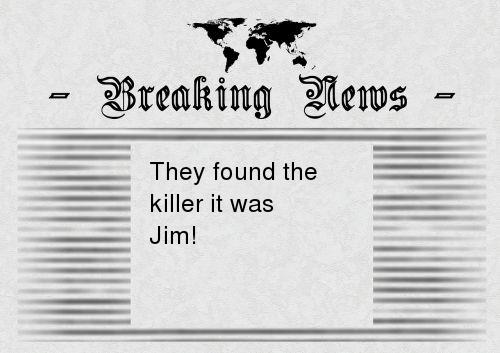
Once called it will return an image like this:
reponseimage.jpeg